
Check the charger and outlet, try a hard reset (charger unplugged, hold the power button for 30 seconds), and look for charging lights. No lights at all, or a charger that cuts out, usually points to the charging circuit or a short on the motherboard, which can often be fixed by replacing one part.
Symptoms
- No lights, no fan, nothing. Charger, charging port, or a short on the board.
- Charging light on, but it won't start. Often a power circuit on the board.
- Fans spin, screen stays black. Could be the screen, the memory, or the board. Try an external monitor.
- Starts, then turns off. A failing power circuit, overheating, or a short that trips protection.
Quick checks
- Try another wall outlet, and check the charger's light if it has one.
- Hard reset: unplug the charger (and the battery if it comes out), hold the power button for 30 seconds, then plug in and try again.
- Unplug everything else: USB drives, docks, SD cards.
- Connect an external monitor. If you see a picture there, the laptop is alive and the problem is the screen side.
- Some models have a small reset pinhole on the bottom. Check your manual.
Common causes
- The charging circuit, often after a cheap or damaged charger.
- A shorted capacitor or power chip that pulls a power rail to ground.
- Liquid damage from a spill, even weeks earlier.
- A damaged charging port or its connection to the board.
How we find it
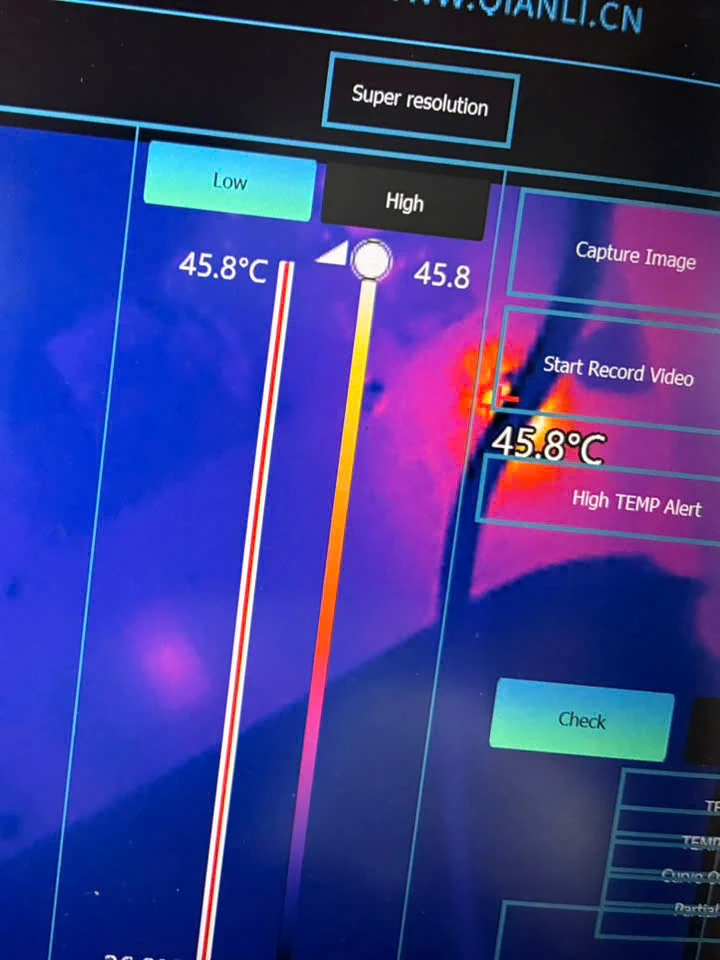
We measure the power rails, and when one is shorted we use a thermal camera to see which part heats up first. We replace that part and test the laptop under load. That's usually far cheaper than a new motherboard, and your drive and files stay as they are.
Questions
Is it worth repairing a laptop that won't turn on?
Often yes. Many no-power faults are one failed part, and repairing the board keeps your setup and files.
How much does it cost?
At Baos Station, a flat $150 for motherboard repair, parts and tax included. No fix, no charge.
Will my files be safe?
We repair the original board and don't access your files. Back up anything important if the laptop still turns on.