
Turn it off right away by holding the power button, unplug the charger, and if the battery can come out, take it out. Don't turn it back on to check, don't use a hair dryer, and don't count on rice. Liquid keeps corroding the board while the battery is connected, so the sooner the board is opened and cleaned, the better the odds.
The first 10 minutes
- Hold the power button until the laptop switches off. Don't wait for a normal shutdown.
- Unplug the charger and anything connected by USB.
- Remove the battery if your model has a removable one.
- Turn it upside down, open like a tent, so liquid drains out instead of further in.
- Wipe what you can from the outside with a dry cloth.
- Don't power it on again until the board has been opened and cleaned.
Myths
- Rice. It can't pull liquid out from under chips, and the corrosion carries on while you wait.
- A hair dryer. Heat pushes liquid deeper and can warp parts.
- "It still works, so it's fine." Corrosion can take days or weeks to break a connection. Many laptops die a week after the spill.
What liquid does
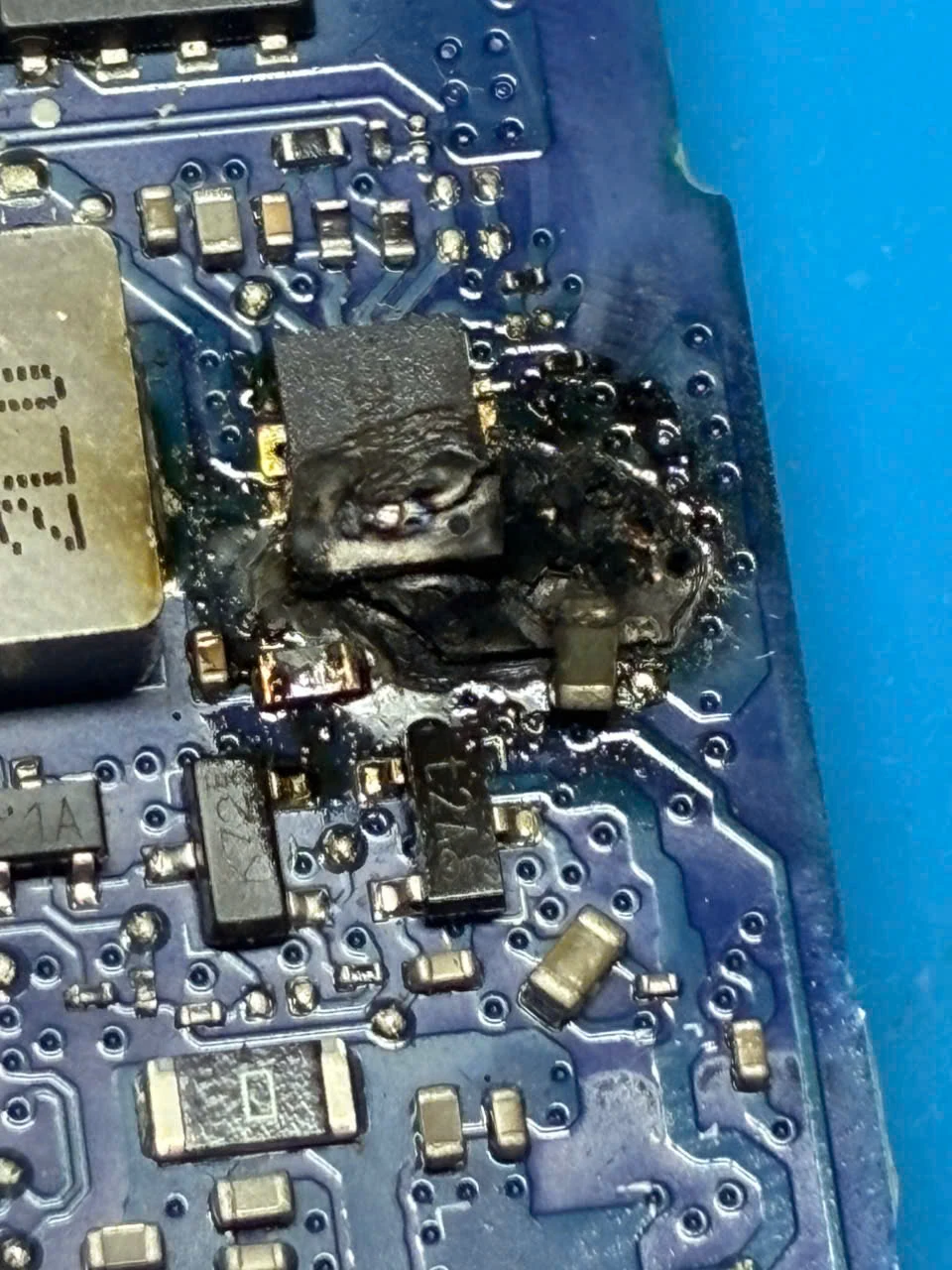
Most laptops keep some power on the board even when they're off. Liquid plus that small voltage causes corrosion: green and white residue grows on pins and under chips, eating through tiny connections. Sweet drinks, coffee with milk and sugary juices leave sticky residue that makes it worse than plain water.
Proper repair
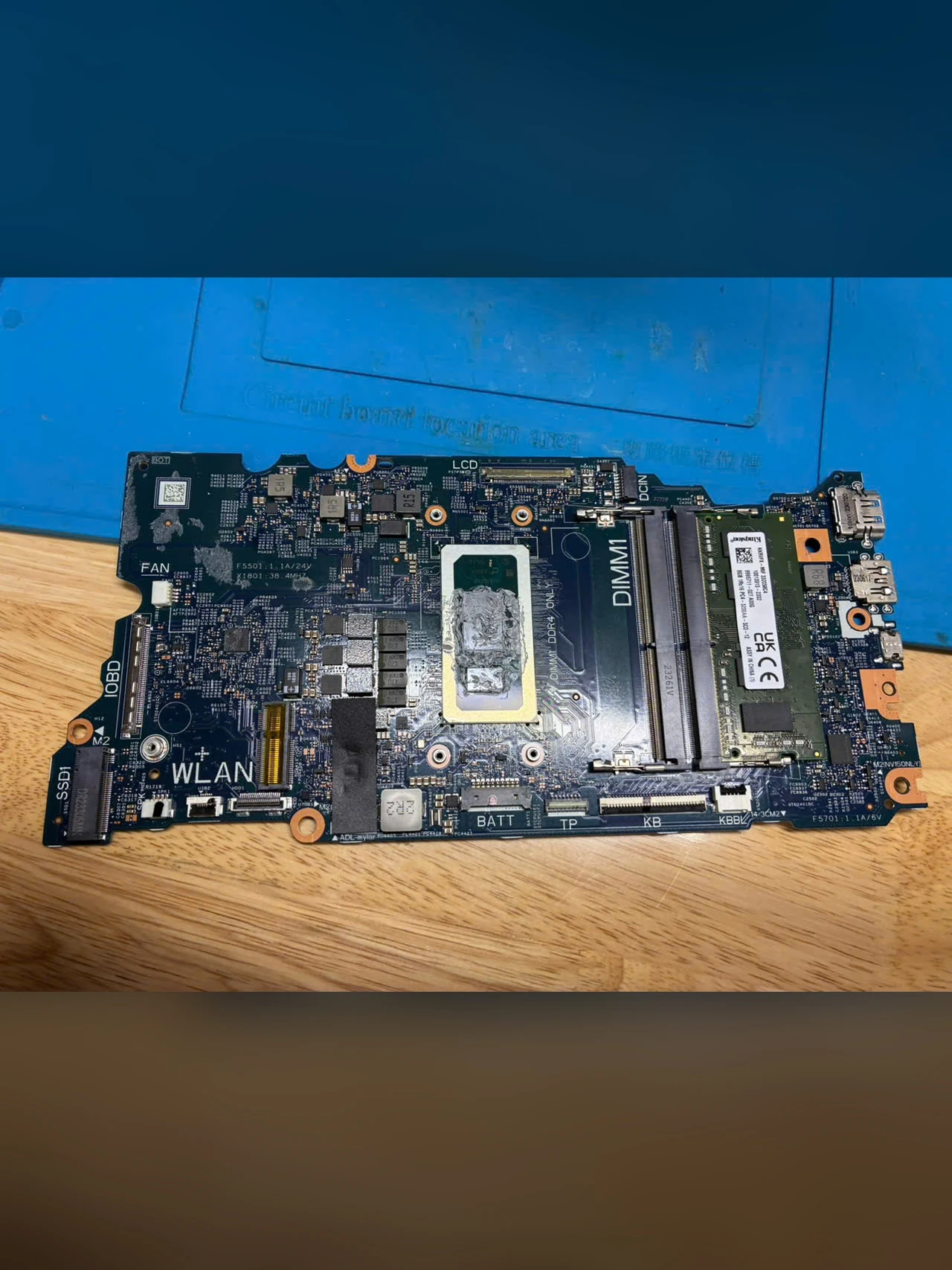
We take the laptop apart, disconnect the battery, clean the board, inspect every area under the microscope and measure the power rails. Corroded parts are replaced, and the laptop is tested under load before it goes back to you.
Questions
How long should I wait before turning it on?
Don't turn it on until the board has been opened and cleaned. Waiting alone doesn't remove the residue that causes corrosion.
Will my files be safe?
Usually yes. We repair the original board and don't access your files.
How much does liquid damage repair cost?
At Baos Station, a flat $150 for board-level repair, parts and tax included. No fix, no charge.