
Stick drift is when your controller registers movement while you aren't touching the stick. On PS5, Xbox and Switch controllers it is almost always worn sensors inside the joystick: tiny carbon tracks and metal wipers that wear and collect dust. Cleaning can help briefly; the lasting fix is replacing the joystick, or upgrading to magnetic sticks (Hall effect or TMR) that don't wear the same way.
Signs of drift
- The camera slowly turns or your character walks on their own.
- Menus scroll by themselves.
- Your aim pulls in one direction, especially near the centre.
- The stick doesn't snap back to centre, or feels loose.
To check it properly: on a Switch, go to System Settings, Controllers and Sensors, Calibrate Control Sticks and watch the dot. On a PC, a browser gamepad tester shows the raw stick values. If the numbers move while you're not touching the stick, it's drifting.
Why controllers drift
Most stock sticks use two potentiometers, one for each axis. Inside each one, a small metal wiper slides over a carbon track. Every movement rubs the track, and over time:
- the track wears unevenly, so "centre" is no longer read as centre;
- dust, skin and crumbs get in through the gap around the stick;
- the centring spring weakens, so the stick doesn't return fully;
- spills (especially sugary drinks) and drops speed all of it up.
How to fix it
- Raise the dead zone in the game. A workaround, not a fix: it hides small drift but makes fine aim less precise.
- Recalibrate. Switch has it built in. It helps only if the problem is calibration, not wear.
- Clean around the stick. A short blast of compressed air around the base can help for a while. Liquids sprayed in usually make it worse.
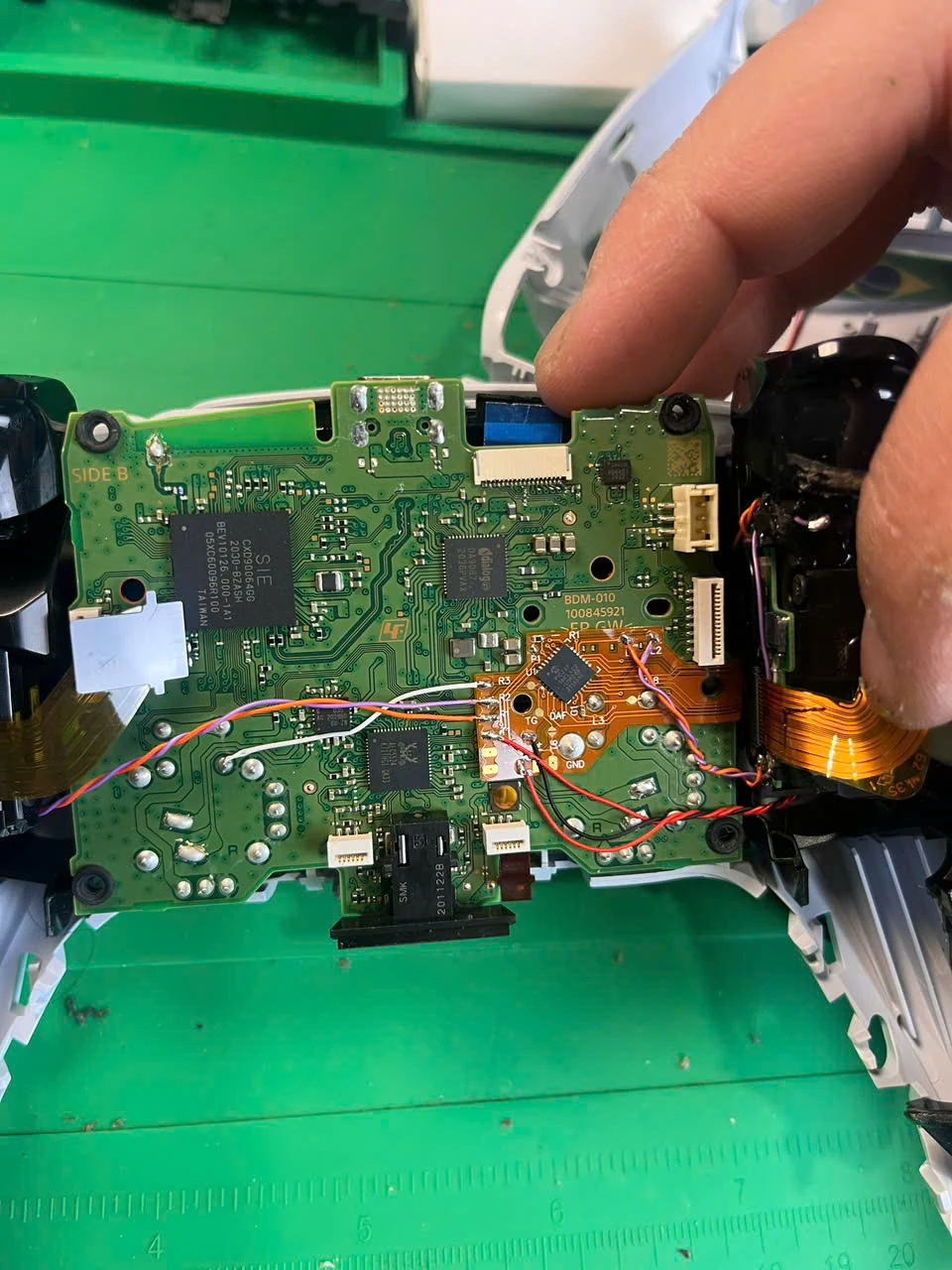
- Replace the joystick. The standard repair. On DualSense and Xbox controllers the joystick module is soldered to the board, so it means desoldering the old one and fitting a new one. Joy-Con sticks plug in with a ribbon cable.
- Upgrade to magnetic sticks. Hall effect or TMR sticks read position with a magnet, so there's no track to wear. Read what TMR joysticks are.
Warranty first
If your controller is still under the manufacturer's warranty, check with Sony, Microsoft or Nintendo first. Opening a controller can void that warranty.
Cost
PS5 controller stick drift repair is $25, parts and tax included, with a 1-month warranty. The GuliKit TMR upgrade is $60 for a DualSense, with a 6-month warranty. For Xbox, Elite Series 2, Joy-Con and Switch Pro controllers we fit TMR sticks, also $60. Most controllers are done the same day.
Questions
Can stick drift fix itself?
Sometimes it seems to go away for a while when dust shifts, but worn tracks don't repair themselves. It usually comes back.
Is stick drift a software problem?
Rarely. A firmware update or recalibration can help with small offsets, but most drift is physical wear inside the stick.
How long does a stick replacement take?
At our bench, most controllers are done the same day, and both sticks are tested before pickup.
Will new standard sticks drift again?
Eventually, because they use the same carbon tracks. Magnetic TMR or Hall effect sticks are built not to.