
Give the PS5 room to breathe, clean the vents, and keep it out of closed cabinets and off carpet. If it still roars, warns that it's too hot or shuts off mid-game, the inside needs a deep clean, a fan check and, on older consoles, fresh liquid metal on the processor.
Signs
- The fan gets very loud during games, or is loud even in menus.
- A warning that the console is too hot.
- It shuts off by itself during games.
- Games stutter or crash more than they used to.
At-home fixes
- Leave about a hand's width of space around the console, especially at the back and top where hot air comes out.
- Don't run it inside a closed cabinet, on carpet or on a bed.
- Clean the outside vents with a soft brush or a vacuum on low.
- On the original PS5, the white side covers come off and there are two dust-catcher holes you can vacuum gently.
- Don't spin the fan fast with compressed air. That can damage its bearings.
Liquid metal
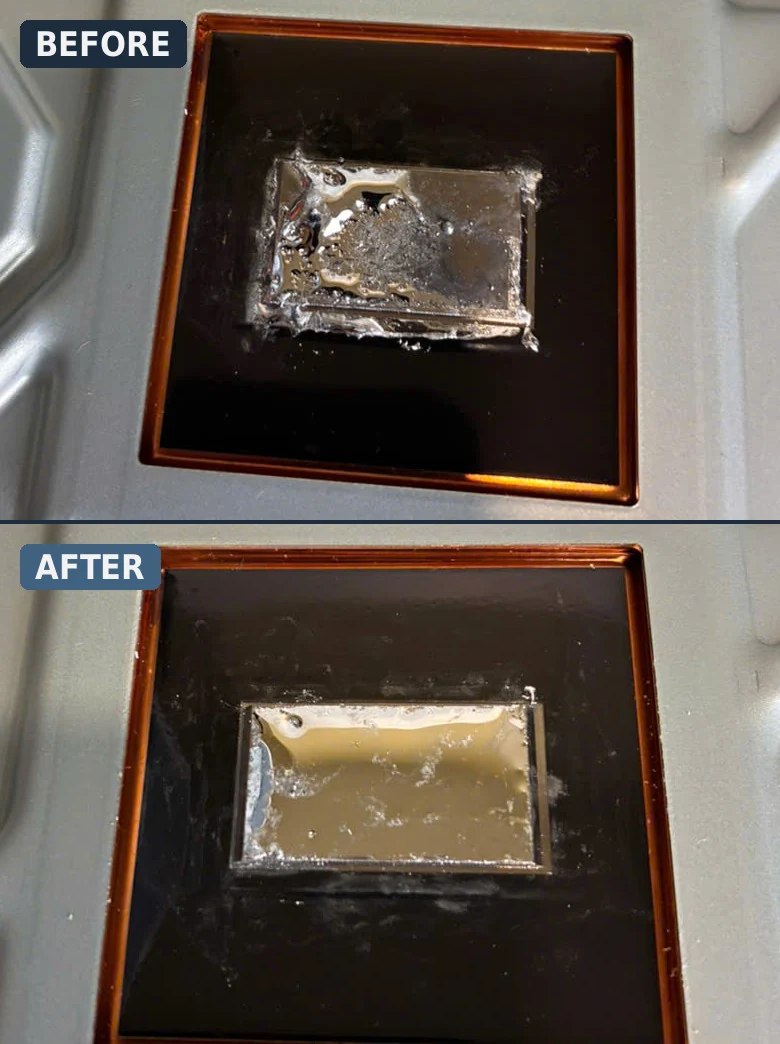
Between the processor and the heatsink, most consoles use thermal paste. The PS5 uses liquid metal, a metal alloy that is liquid at room temperature and moves heat much better than paste. It's one reason the PS5 can stay quiet under load when it's healthy.
The catch: liquid metal conducts electricity. After years of heat cycles, a drop or rough transport, it can spread unevenly or dry out at the edges, leaving parts of the chip with poor contact. The console then runs hotter and louder. If it escapes its seal, it can short the tiny parts around the processor.
Our deep clean
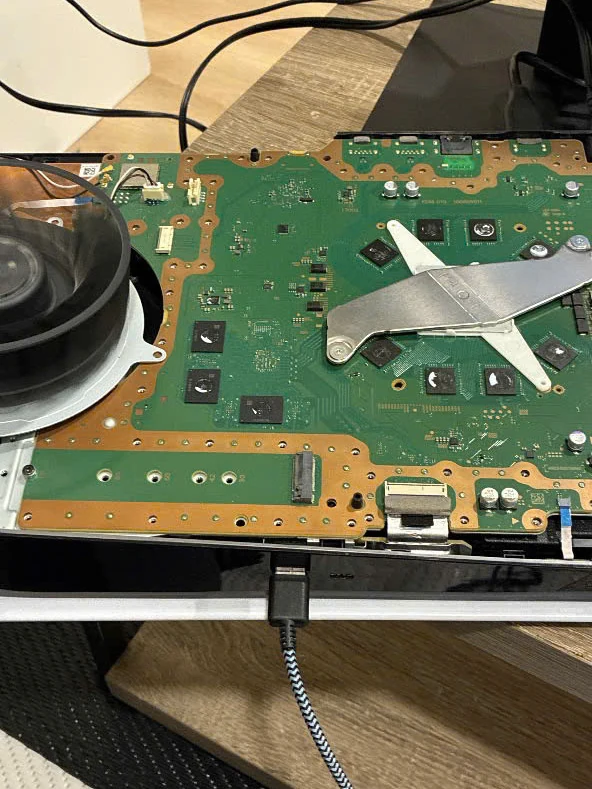
We take the console apart, clean the heatsink fins and the fan, check the fan and its connector, remove the old liquid metal, clean the processor and heatsink, protect the parts around the chip, apply fresh liquid metal and reseal it. Then we test it under a long gaming load.
We don't recommend doing liquid metal yourself: one stray drop on the board can turn a cleaning job into a motherboard repair.
Fan and fan connector
A fan that doesn't spin, or spins only sometimes, can be a worn fan or a damaged fan connector on the board. Both are repairable.
Questions
Is it safe to stand the PS5 upright?
Yes. It's designed to work standing or lying down. Airflow and dust matter much more than the position.
How often should a PS5 be cleaned inside?
If you play a lot, or have pets or carpet, every year or two. Clean the outside vents every few months.
How much is a deep clean with new liquid metal?
At Baos Station, $120 including parts and tax, often done the same day.